Put a Digital Employee to Work in Your Business
A Business System is your digital office. An Automation Solution is a digital employee — a focused worker that responds, follows up, reminds, requests reviews, or keeps your tools in sync while your team focuses elsewhere.
Each Automation Solution is clearly defined, personally implemented by Rhiannon, and available for a one-time price of $497.
Setup, configuration, testing, and training included.
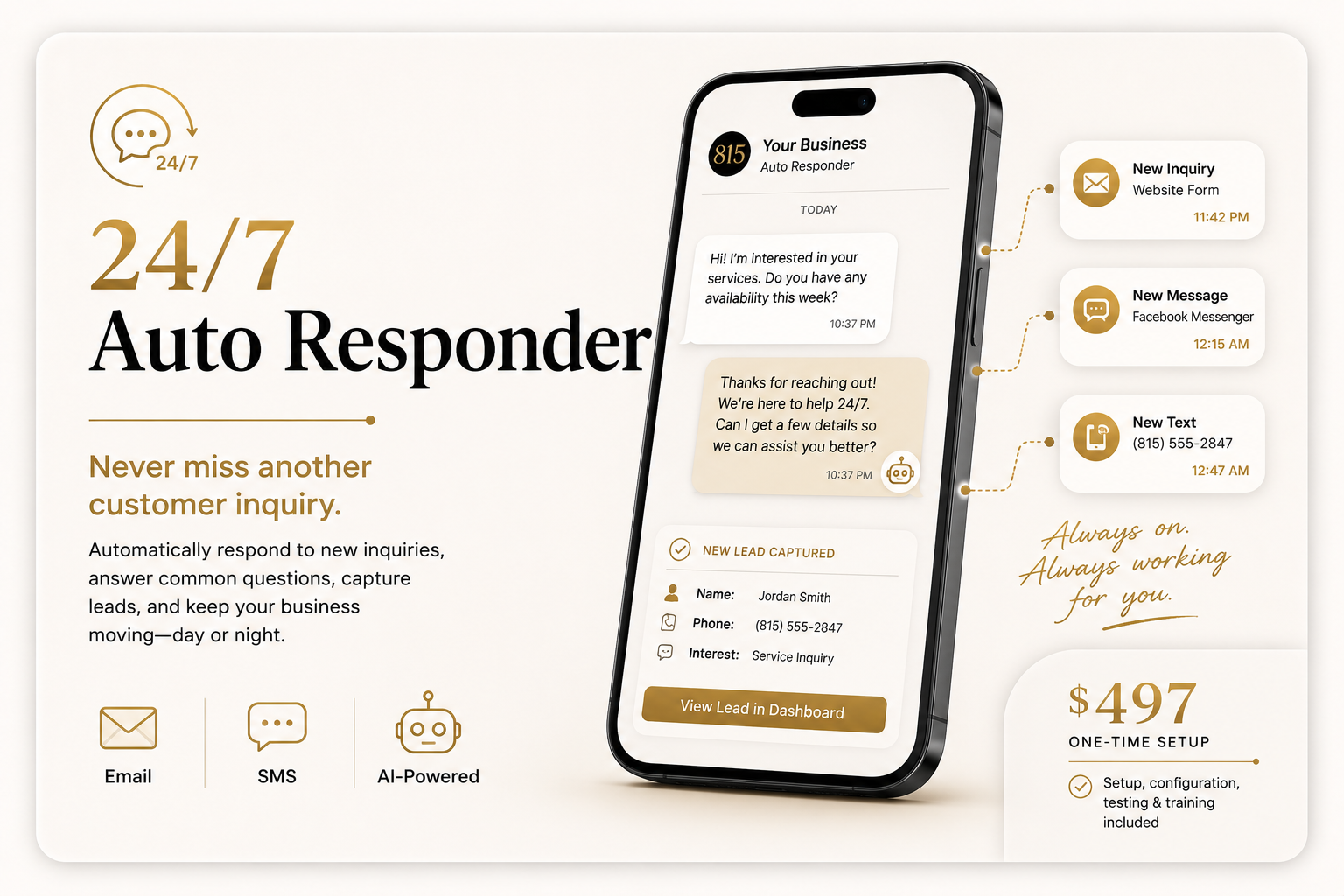
Never miss another customer inquiry.
The 24/7 Auto Responder helps your business respond to new inquiries even when you are busy, closed, or away from your phone. It can acknowledge incoming messages, answer common questions, collect important customer details, and help move new leads toward the next step.
This solution is ideal for businesses that receive inquiries through forms, email, text, or other supported communication channels and want customers to receive a fast, professional response.
- One automated inquiry-response workflow
- Connection to one approved inquiry source or communication channel
- Customized welcome response
- Up to five common-question responses
- Basic lead information collection
- Lead notification or delivery to an approved destination
- Setup and configuration
- Testing before launch
- Recorded training or walkthrough
- Limited post-launch adjustment period
From Purchase to Productivity
Your setup begins immediately after purchase. Your AI Onboarding Assistant guides you through a short, personalized conversation for your 24/7 Auto Responder while I personally configure, test, and deliver your Automation Solution.
- 1AI Welcome
Immediately after checkout, your AI Onboarding Assistant welcomes you and explains exactly what happens next.
- 2Guided Setup
The AI asks one clear question at a time and gathers only the information needed for the selected Automation Solution.
- 3Organized Handoff
Your responses are organized into a clear implementation brief so important details are not missed.
- 4Professional Configuration
I personally configure the automation, connect the required tools, and tailor the workflow to your business.
- 5Testing and Walkthrough
The automation is tested before delivery, and you receive a clear walkthrough of how it works.
- 6Ready to Work
The completed automation is activated and ready to reduce repetitive work and support the business.
The AI Organizes Your Setup. I Build Your Automation.
Your AI Onboarding Assistant keeps the setup process simple by asking the right questions, explaining each step, and gathering the information needed for implementation. I personally review your responses, configure the workflow, test every connection, and prepare the automation for use.
AI-guided onboarding. Professional implementation.
Third-party software, messaging, or usage fees are not included when applicable.
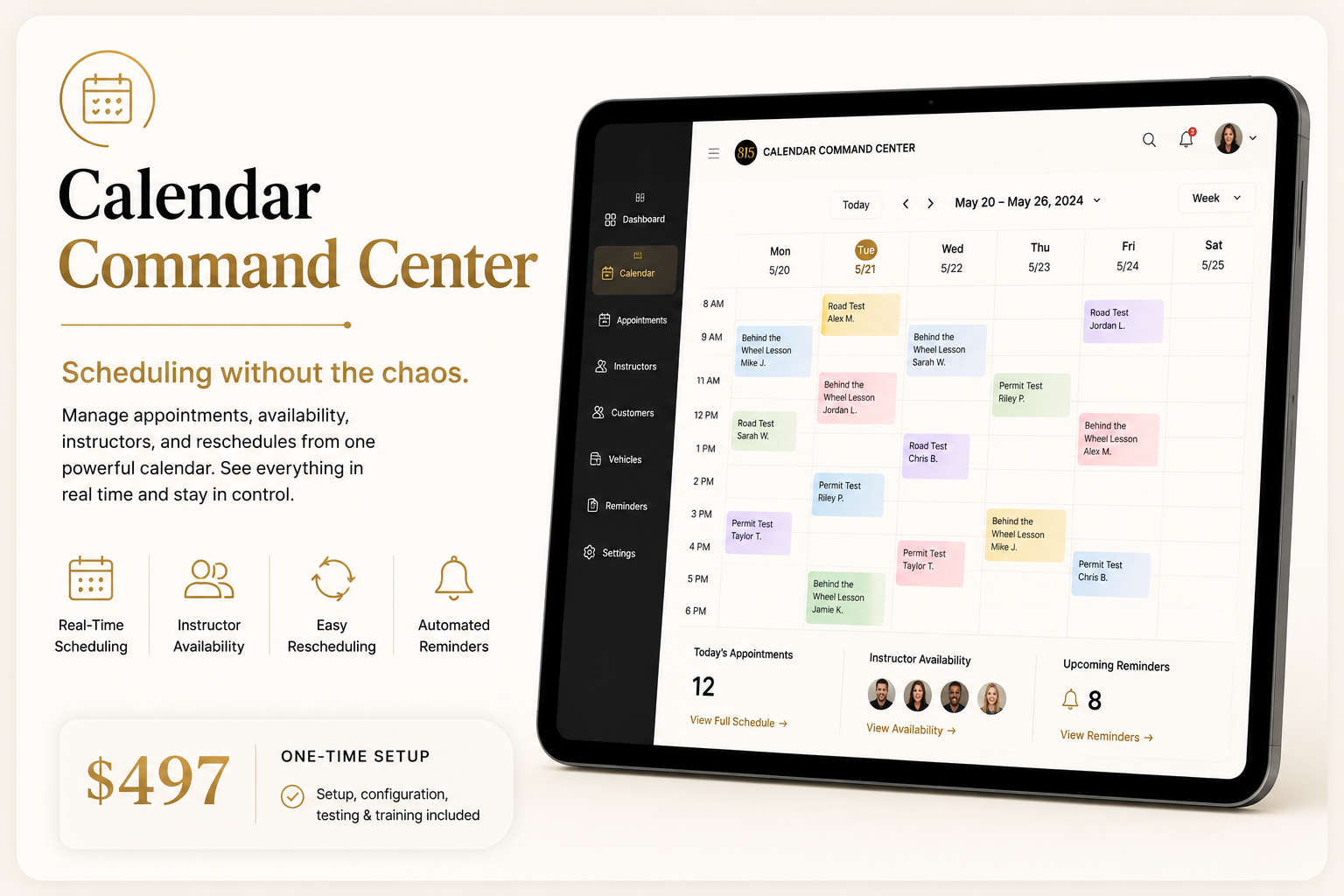
Scheduling without the chaos.
The Calendar Command Center creates a streamlined scheduling workflow that helps organize appointments, availability, reminders, and rescheduling from one connected process.
It is designed for businesses that spend too much time coordinating schedules manually, answering repetitive appointment questions, or correcting avoidable scheduling mistakes.
- One customized scheduling workflow
- Connection to one approved calendar or scheduling platform
- Appointment-request or booking setup
- Basic availability rules
- Confirmation message
- One reminder sequence
- Basic rescheduling or cancellation workflow
- Setup and configuration
- Testing before launch
- Recorded training or walkthrough
- Limited post-launch adjustment period
From Purchase to Productivity
Your setup begins immediately after purchase. Your AI Onboarding Assistant guides you through a short, personalized conversation for your Calendar Command Center while I personally configure, test, and deliver your Automation Solution.
- 1AI Welcome
Immediately after checkout, your AI Onboarding Assistant welcomes you and explains exactly what happens next.
- 2Guided Setup
The AI asks one clear question at a time and gathers only the information needed for the selected Automation Solution.
- 3Organized Handoff
Your responses are organized into a clear implementation brief so important details are not missed.
- 4Professional Configuration
I personally configure the automation, connect the required tools, and tailor the workflow to your business.
- 5Testing and Walkthrough
The automation is tested before delivery, and you receive a clear walkthrough of how it works.
- 6Ready to Work
The completed automation is activated and ready to reduce repetitive work and support the business.
The AI Organizes Your Setup. I Build Your Automation.
Your AI Onboarding Assistant keeps the setup process simple by asking the right questions, explaining each step, and gathering the information needed for implementation. I personally review your responses, configure the workflow, test every connection, and prepare the automation for use.
AI-guided onboarding. Professional implementation.
Third-party calendar, scheduling, messaging, or usage fees are not included when applicable.
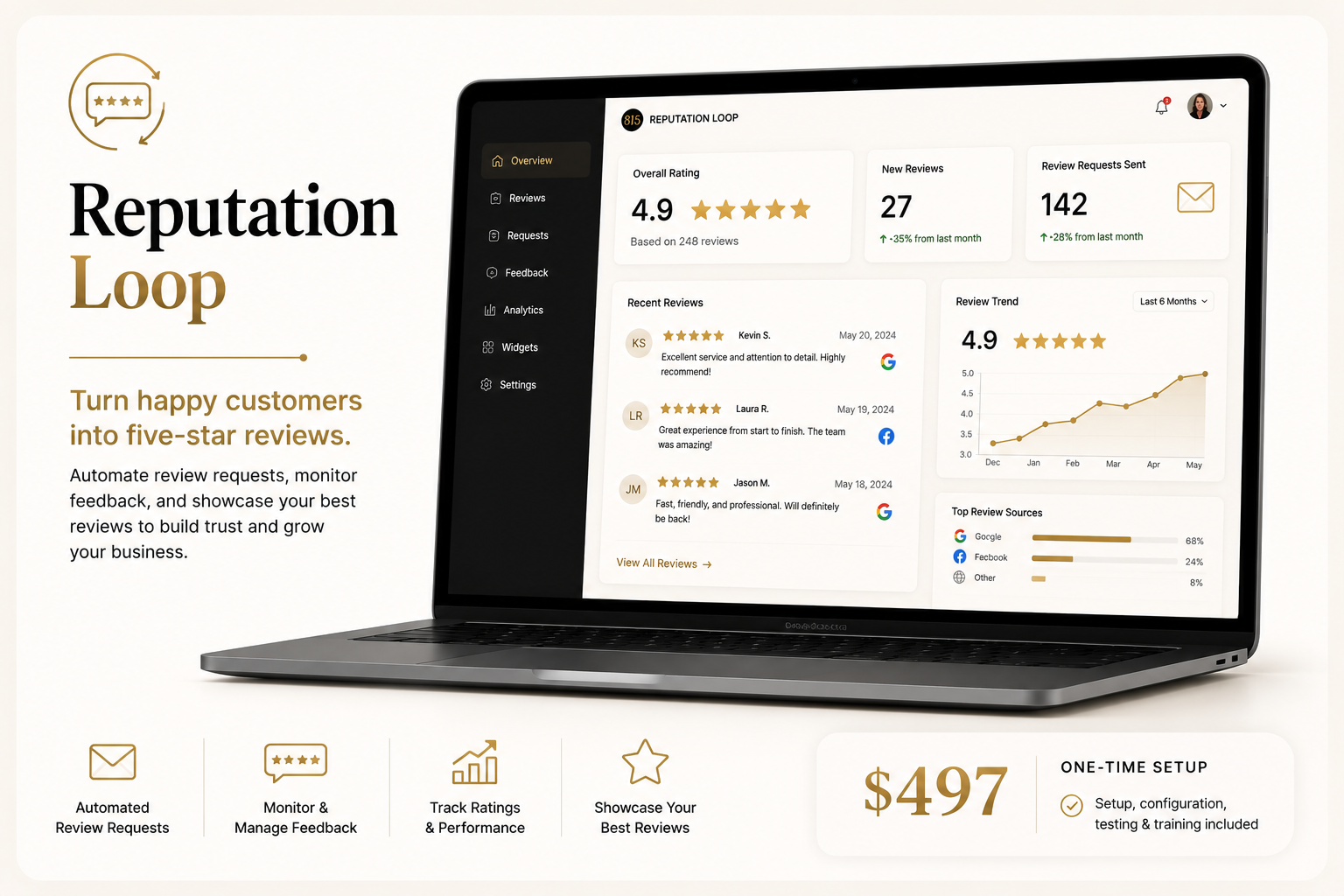
Turn happy customers into five-star reviews.
The Reputation Loop helps your business consistently request feedback after a completed service, appointment, or purchase. It creates a repeatable review-request process so satisfied customers are more likely to share their experience publicly.
This solution is ideal for businesses that provide excellent service but rarely remember to ask for reviews.
- One automated review-request workflow
- Connection to one approved customer or transaction source
- Customized review-request message
- One follow-up reminder
- Link to one primary review platform
- Basic internal feedback option when appropriate
- Setup and configuration
- Testing before launch
- Recorded training or walkthrough
- Limited post-launch adjustment period
From Purchase to Productivity
Your setup begins immediately after purchase. Your AI Onboarding Assistant guides you through a short, personalized conversation for your Reputation Loop while I personally configure, test, and deliver your Automation Solution.
- 1AI Welcome
Immediately after checkout, your AI Onboarding Assistant welcomes you and explains exactly what happens next.
- 2Guided Setup
The AI asks one clear question at a time and gathers only the information needed for the selected Automation Solution.
- 3Organized Handoff
Your responses are organized into a clear implementation brief so important details are not missed.
- 4Professional Configuration
I personally configure the automation, connect the required tools, and tailor the workflow to your business.
- 5Testing and Walkthrough
The automation is tested before delivery, and you receive a clear walkthrough of how it works.
- 6Ready to Work
The completed automation is activated and ready to reduce repetitive work and support the business.
The AI Organizes Your Setup. I Build Your Automation.
Your AI Onboarding Assistant keeps the setup process simple by asking the right questions, explaining each step, and gathering the information needed for implementation. I personally review your responses, configure the workflow, test every connection, and prepare the automation for use.
AI-guided onboarding. Professional implementation.
Results depend on customer participation. Reviews and ratings cannot be guaranteed.
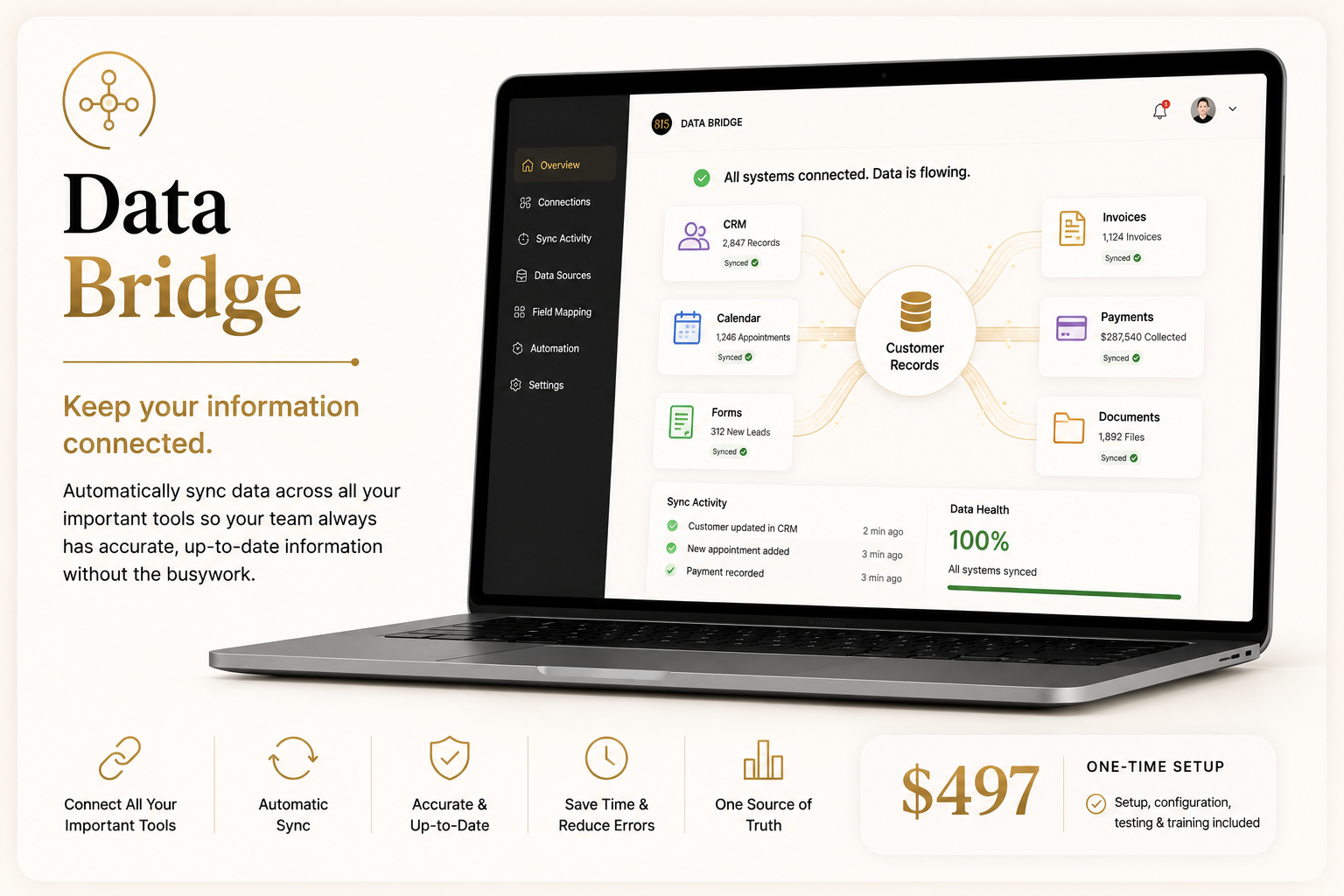
Keep your information connected.
Data Bridge moves information between two approved tools so your team does not have to repeatedly enter the same information by hand.
It is designed for businesses that lose time copying customer details, appointment information, form submissions, or other routine data from one system into another.
- One automated data-transfer workflow
- Connection between two approved software tools
- Up to ten mapped data fields
- One trigger and one destination action
- Basic formatting and validation
- Error-notification setup when supported
- Setup and configuration
- Testing before launch
- Recorded training or walkthrough
- Limited post-launch adjustment period
From Purchase to Productivity
Your setup begins immediately after purchase. Your AI Onboarding Assistant guides you through a short, personalized conversation for your Data Bridge while I personally configure, test, and deliver your Automation Solution.
- 1AI Welcome
Immediately after checkout, your AI Onboarding Assistant welcomes you and explains exactly what happens next.
- 2Guided Setup
The AI asks one clear question at a time and gathers only the information needed for the selected Automation Solution.
- 3Organized Handoff
Your responses are organized into a clear implementation brief so important details are not missed.
- 4Professional Configuration
I personally configure the automation, connect the required tools, and tailor the workflow to your business.
- 5Testing and Walkthrough
The automation is tested before delivery, and you receive a clear walkthrough of how it works.
- 6Ready to Work
The completed automation is activated and ready to reduce repetitive work and support the business.
The AI Organizes Your Setup. I Build Your Automation.
Your AI Onboarding Assistant keeps the setup process simple by asking the right questions, explaining each step, and gathering the information needed for implementation. I personally review your responses, configure the workflow, test every connection, and prepare the automation for use.
AI-guided onboarding. Professional implementation.
Both software platforms must support the necessary integration. Third-party software or usage fees are not included.
Clear Scope. No Surprise Add-Ons.
Each Business Automation Solution includes one clearly defined workflow. These solutions are designed to solve a focused operational problem, not replace a complete Business System.
More complex requirements, multiple workflows, additional software connections, advanced AI features, or expanded customization may require a Business System instead.
Not Sure Which Option Fits?
Take the Business System Assessment to see whether your business needs one focused automation or a more complete operational platform.